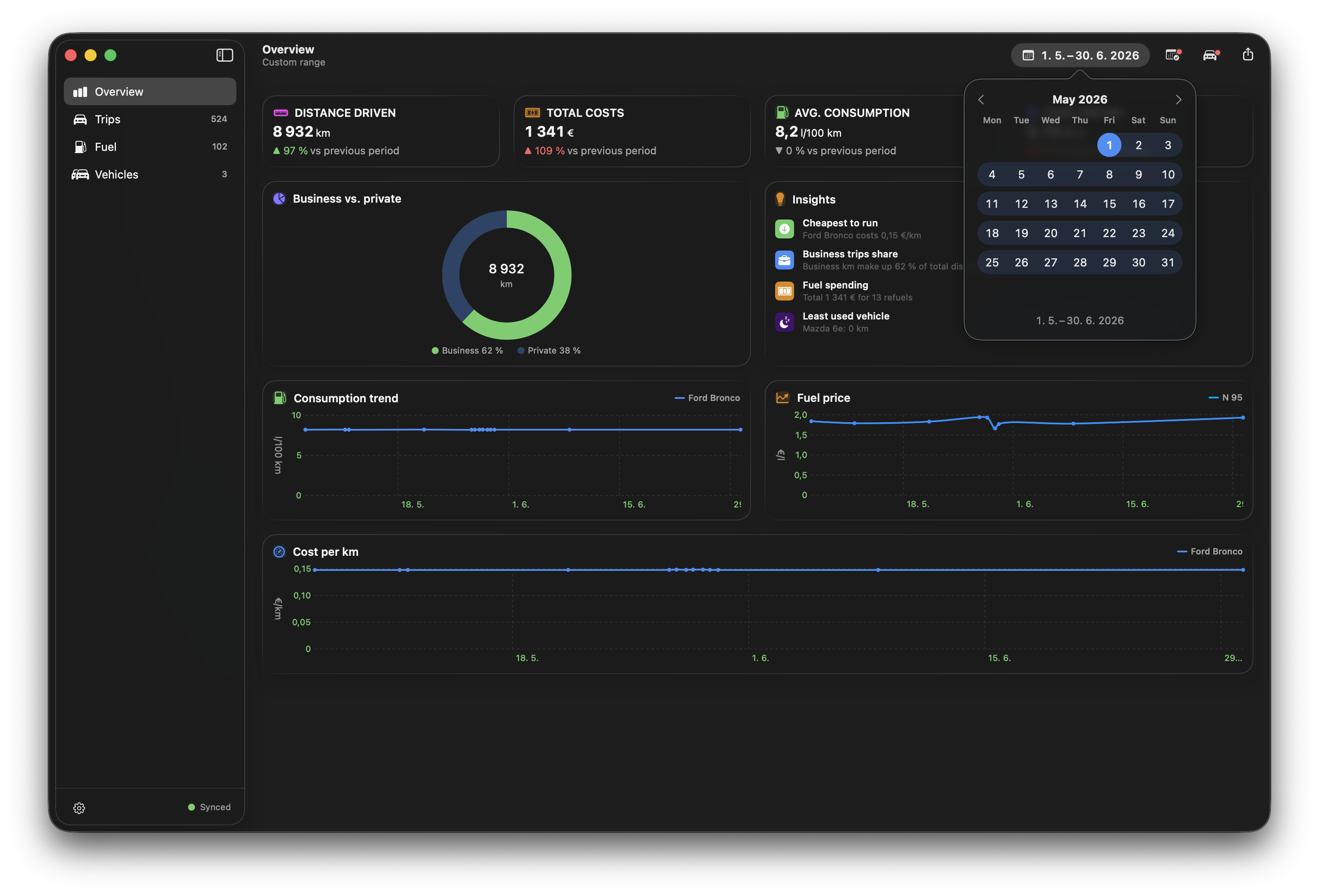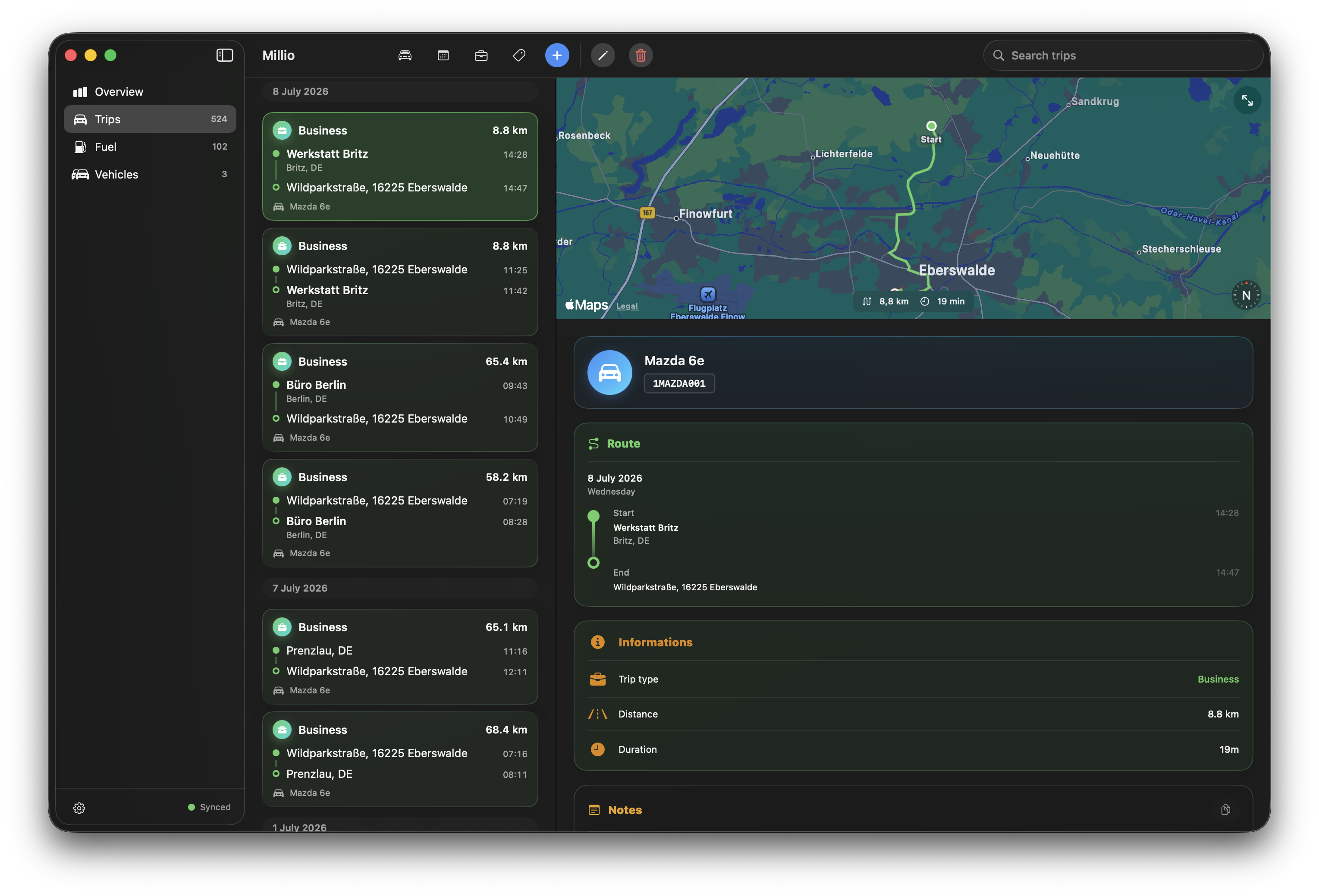

See Millio in Action

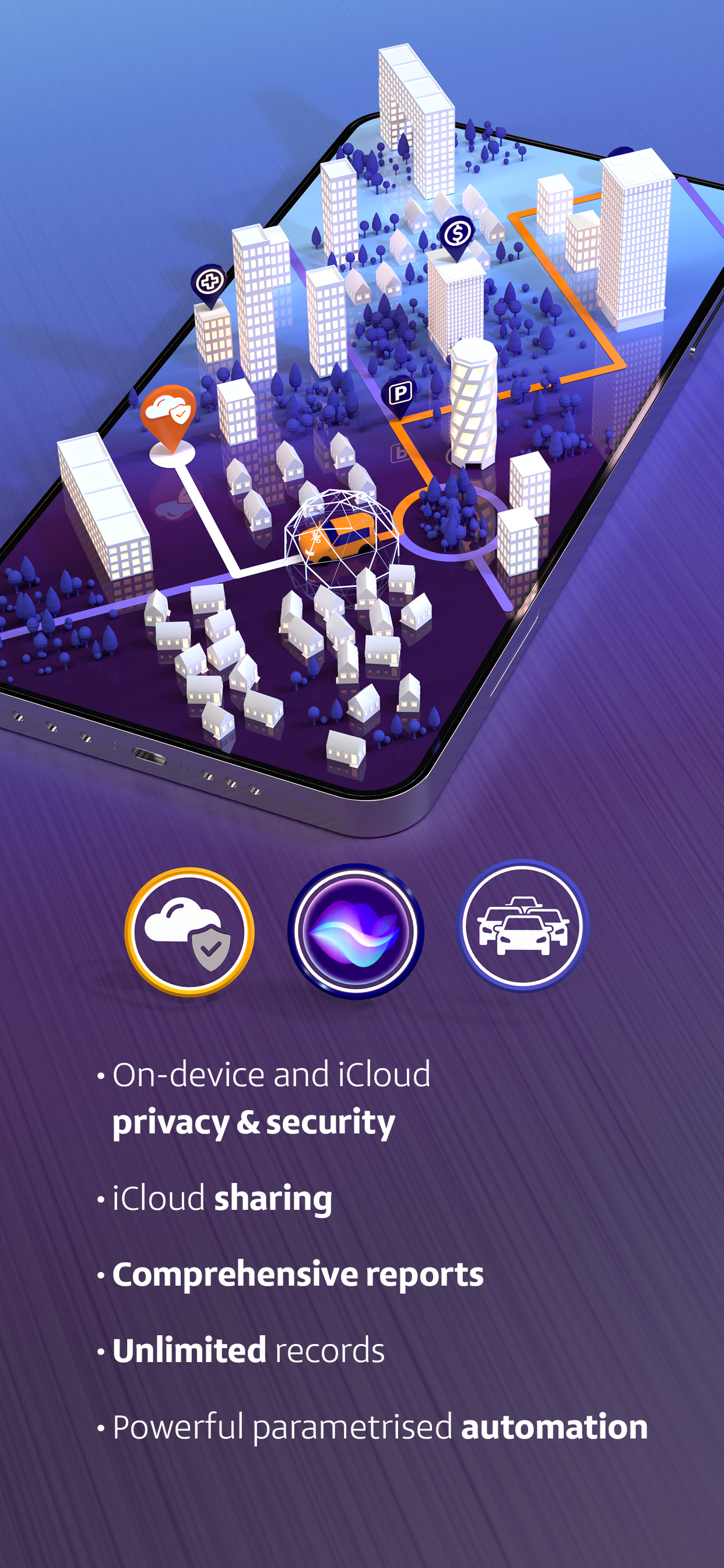
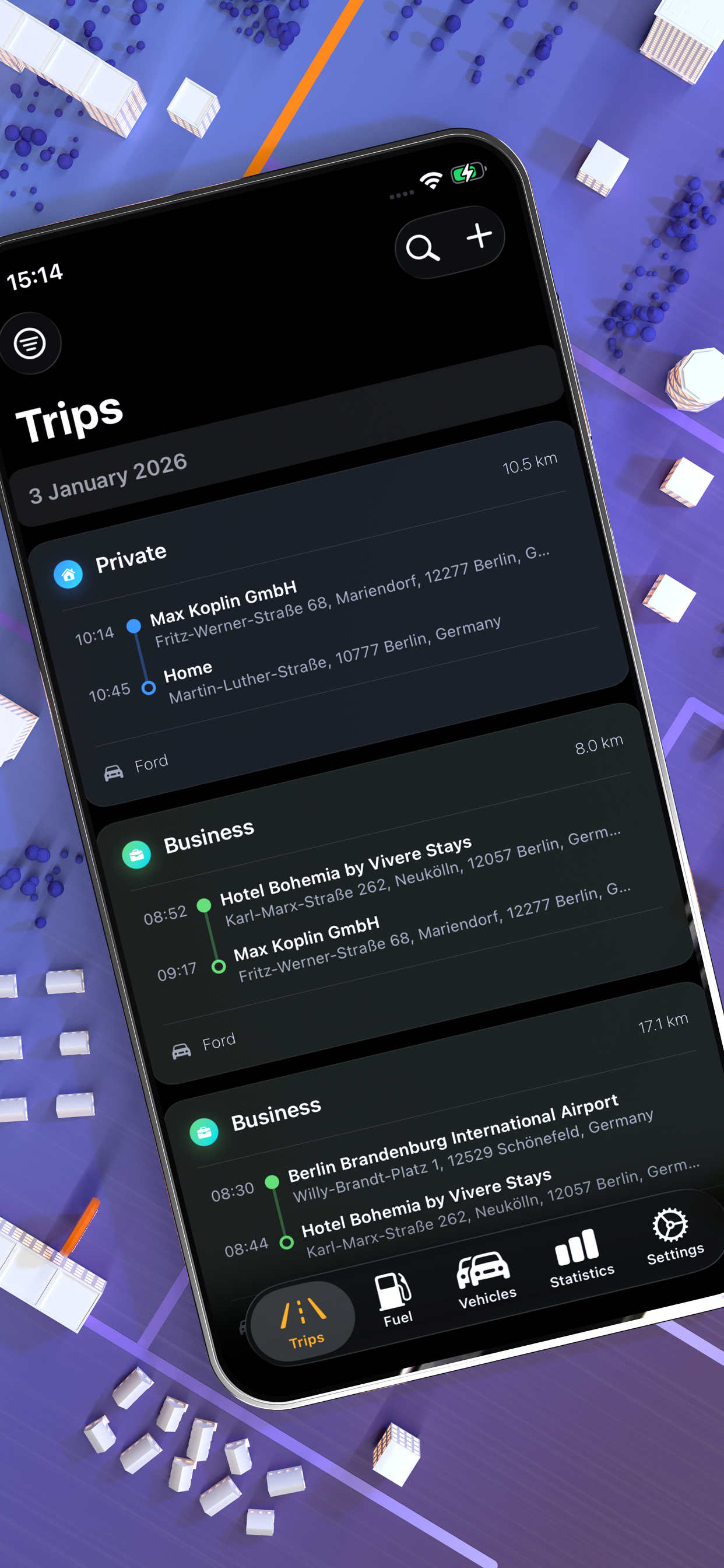
Everything You Need
Powerful features that keep your driving life organized across iPhone and Mac.
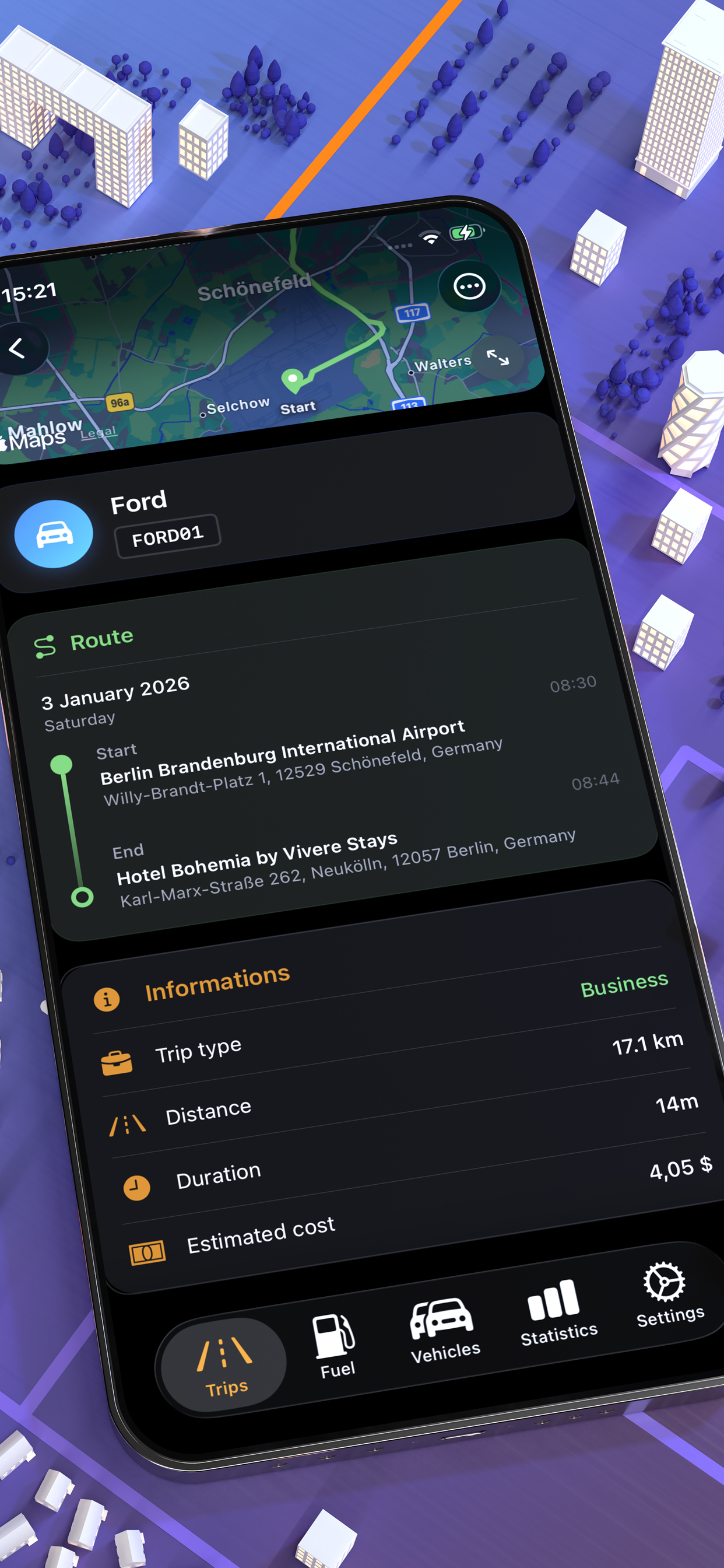
GPS Trip Tracking
Record your routes with device GPS. Track distance, duration, and route on a map.
Intermittent Driving
Short stops on the way? Set a pause window and any new trip starting within it automatically joins the previous one - one trip instead of fragments.
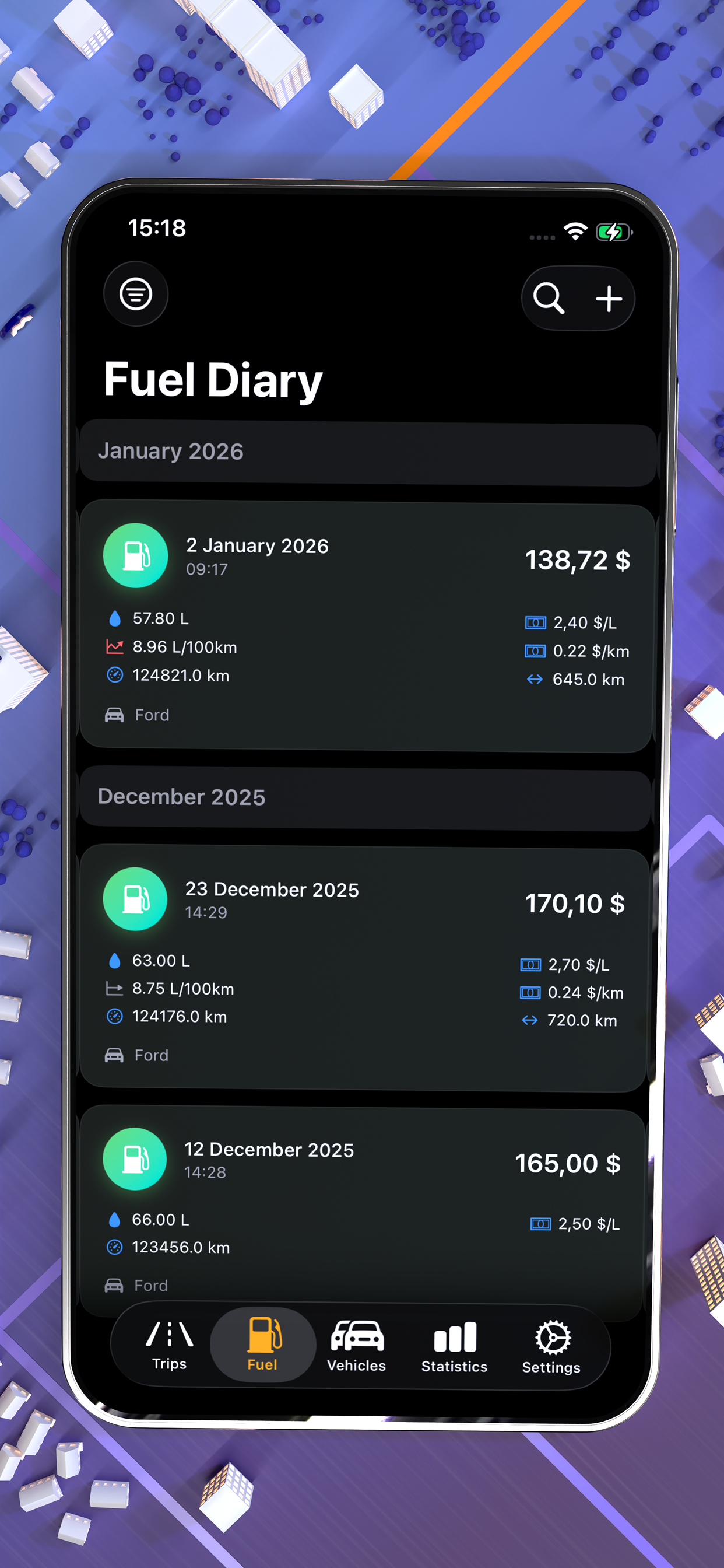
Fuel Diary
Log fill-ups. Track prices, volume, and cost effortlessly.
Vehicle Sharing via iCloud
Use iCloud to share vehicles with family or colleagues. This allows participants to see and manage trips and fuel logs.
PDF & CSV Export
Export customisable trips and fuel logs as a PDF or CSV file. Generate tax-ready reports by filtering by date, vehicle or trip type.
Siri & Shortcuts
Start and stop trips using voice commands. Use the Shortcuts app to build powerful parametrized automations.
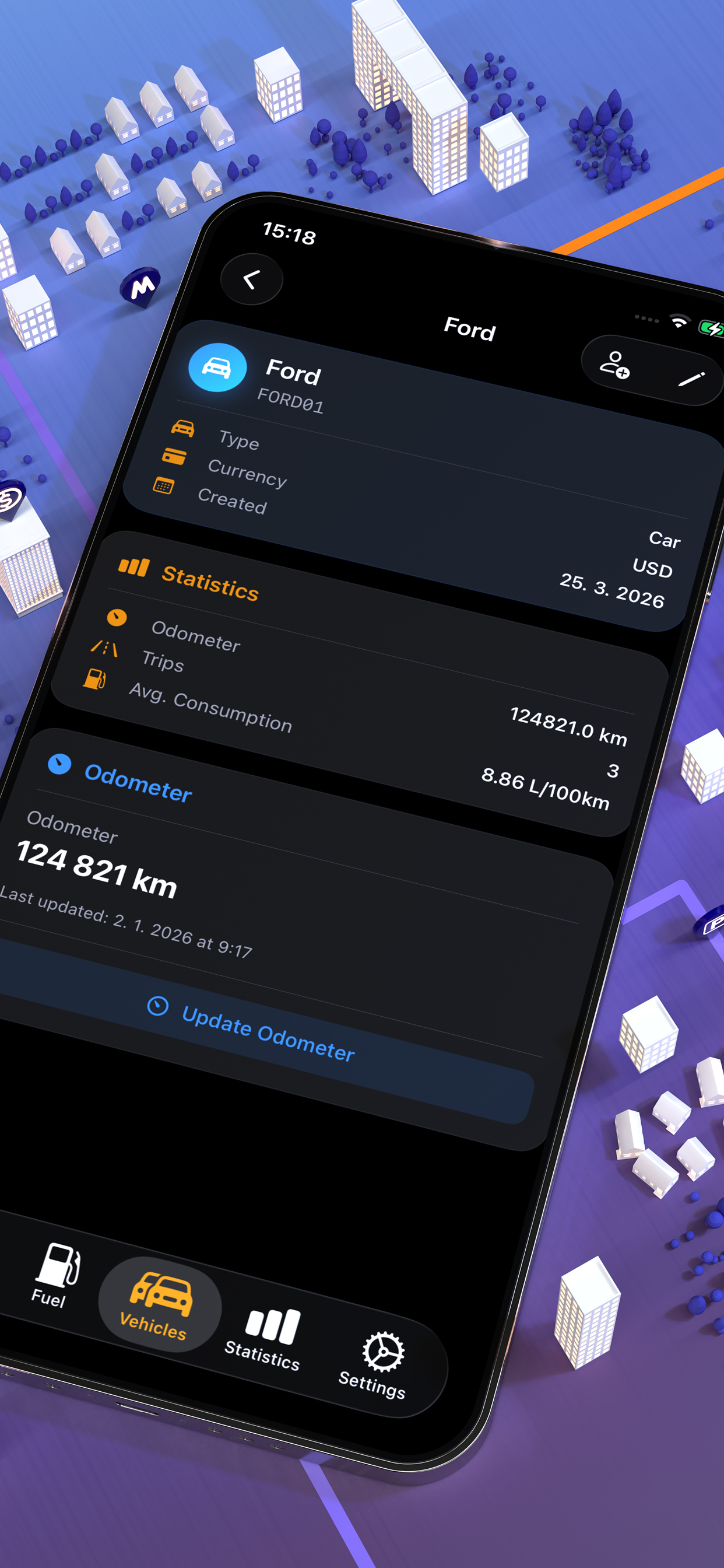
Multiple Vehicles
Do you have more than one car? No problem! Add all your vehicles to the app and keep separate, clearly organised records for each one.
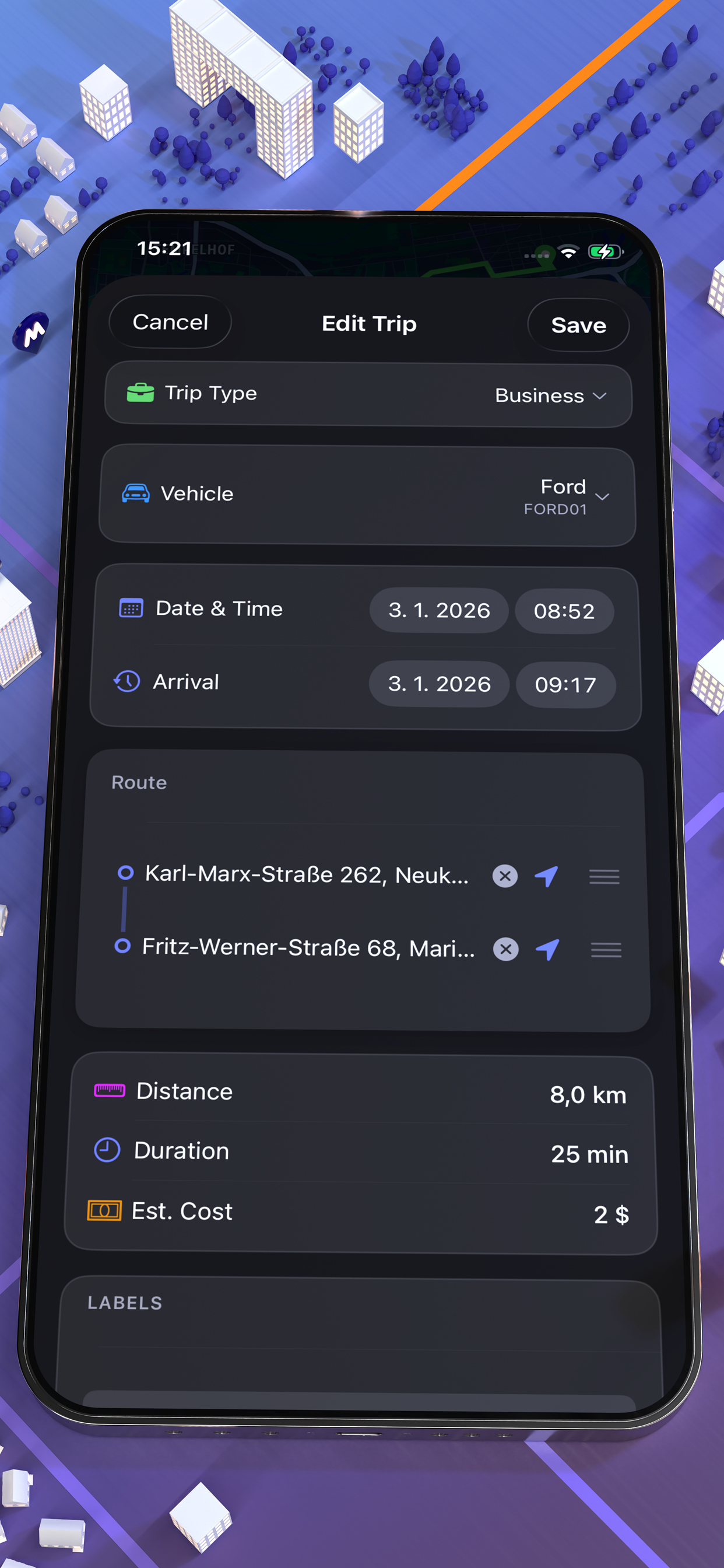
Custom Labels
Tag your trips as 'vacation', 'shopping', or anything else you need. Organise and filter using your own labels.
Consumption Charts
Visualise your fuel consumption trends over time. Spot patterns and optimise your driving habits.
Multi-Currency
Log fuel costs in any currency. Ideal for cross-border trips and international travel.
Metric & Imperial Units
Switch between kilometres and miles, litres and gallons. The app will adapt to your preferred units.
Low Fuel Reminders
Receive notifications when it's time to refuel, based on your consumption patterns and habits.
Encrypted Backups
Your data is securely encrypted. Back it up to device, computer or iCloud drive with confidence - only you can access it.
Saved Places
Add frequently visited locations such as your home, office or petrol stations to the map for quick access and trip logging.
CarPlay
Control Millio right from your car's display. Start trips, view active journeys and manage your logs without touching your phone.
NFC Quick Start
Write vehicle info to an NFC tag and start a trip instantly by tapping your iPhone. The fastest way to begin logging.
Your Data Stays Yours
Millio is built with privacy at its core. There are no compromises and no exceptions.
No Registration Required
Simply download Millio and start using it. There are no sign-up forms, email verifications or accounts to manage.
No Login Needed
Your app is always ready to use. There are no passwords to remember, no sessions that expire and no login screens.
No External Servers
Your data is never sent to a third-party server. There is no backend, analytics or tracking.
On-Device & iCloud Only
All your data stays on your iPhone, Mac or in your private iCloud. You always have full control over your data.
Control Millio with your voice and automate your trip logging. Thanks to Siri integration and the Shortcuts app, tracking trips hands-free is effortless!.
- Start and stop trips using voice commands.
- It offers full integration with the Shortcuts app for creating custom automations.
- Trigger actions from widgets, Apple Watch, or other apps.
- Works with Focus modes and personal automations.
Generate professional reports from your trip and fuel data. Whether you need records for tax purposes, expense claims or fleet management, Millio has you covered.
- Export to a beautifully formatted PDF or a raw CSV file.
- Customise the fields that you want to include in your reports.
- You can filter by date range, vehicle or trip label.
- Keep business and personal trips separate for easy accounting.
- Output that is ready for tax purposes and accepted by accountants and tax authorities.
Use iCloud to share vehicles with family members, colleagues or your accountant. Everyone can stay in sync with no setup hassle.
- Share vehicles with anyone via iCloud - family, colleagues, or fleet managers
- Everyone sees all trips and fuel logs for shared vehicles
- Each person can add their own trip records and fuel entries
- iCloud sync can be disabled anytime- you're always in control
Use Millio directly on your car's built-in display. CarPlay integration gives you a familiar, driver-friendly interface right on your dashboard- so you can focus on the road.
- Start and stop trips directly from your car's screen
- View active trip details- distance, duration, and route
- Switch between vehicles without picking up your phone
- Designed for safe, distraction-free use while driving
Write your vehicle information to an NFC tag, stick it in your car, and start a trip with a single tap of your iPhone. No browsing, no searching - just tap and go.
- Store vehicle data on any standard NFC tag
- Tap your iPhone to the tag to instantly launch a trip
- Perfect for shared or fleet vehicles - one tag per car
- No need to open the app - just bring your iPhone nearby and tap
Real journeys rarely happen in one uninterrupted go. You stop for fuel, grab a coffee, drop someone off and end up with a log full of fragmented trips. Intermittent Driving fixes that: define a pause threshold, and any new trip starting within that window is automatically merged with the previous one as a single, continuous journey.
- Set your own pause threshold
- Trips that resume within the window are merged automatically into one record
- Ideal for quick stops: refueling, errands, picking someone up
- Works seamlessly with GPS Trip Tracking - no manual editing needed
Millio for Mac
Use Millio on a larger screen to review trips, compare fuel costs and manage your vehicle history with the same privacy-first approach. Your iPhone and Mac stay in sync through your private iCloud.

Clear Dashboard with Filtering
Review distance, costs, consumption trends and insights for any date range, vehicle or trip type.
Vehicle Management
Add and manage vehicles, keep records separated, and maintain a clean history for every car.
Exports
Create PDF and CSV exports for trips and fuel logs, ready for accounting, taxes or expense reports.
Vehicle Sharing
Share selected vehicles through iCloud so family members, colleagues or accountants can stay in sync.
Fuel Management
Manage fill-ups, compare fuel prices and track consumption across vehicles over time.
Trip Management
Browse, filter and edit trips on a larger screen with maps, labels, notes and route details.